
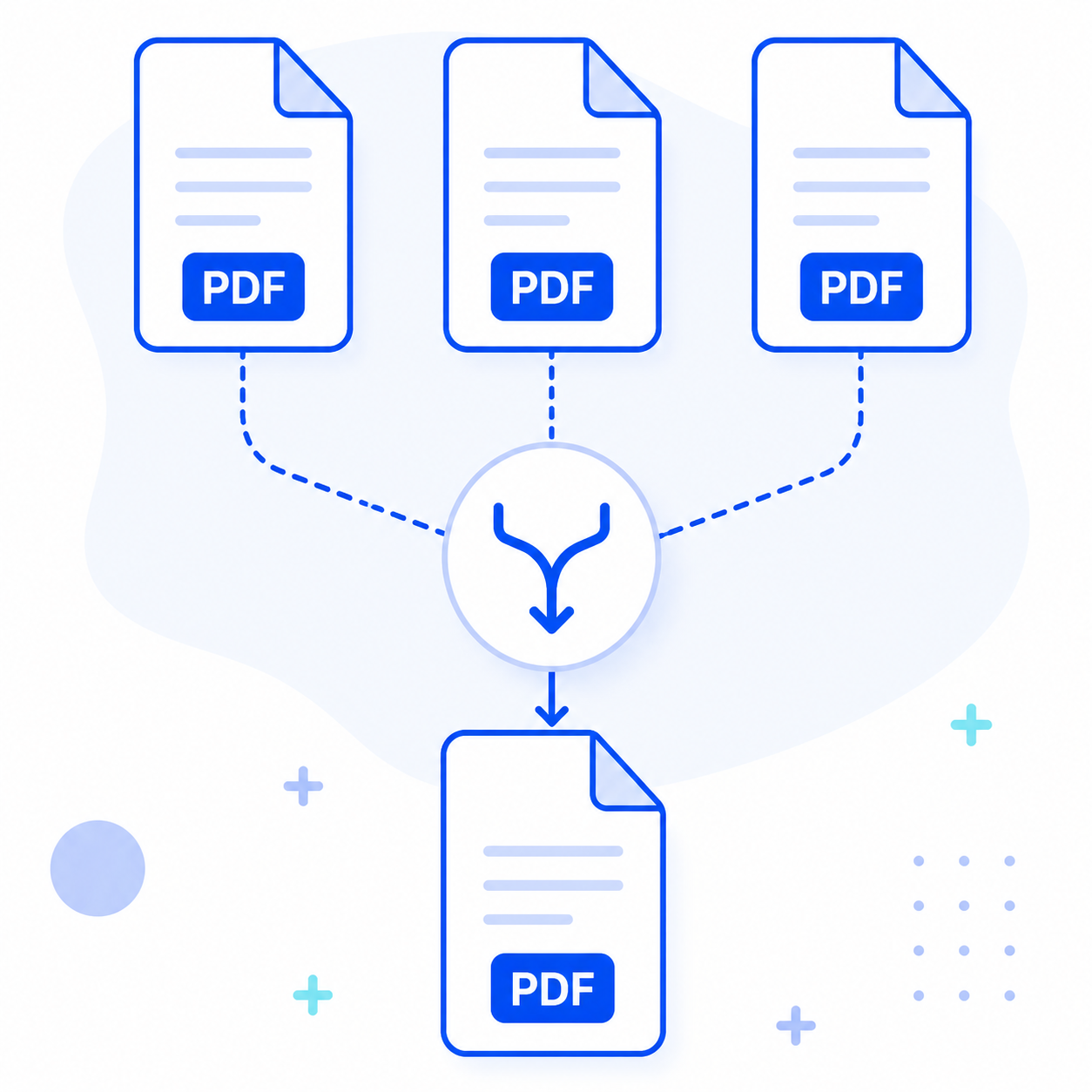

Merge PDF Online Free 100% Private & Local Processing
Combine multiple PDF documents into one professional file in seconds. Unlike other tools, MyToolTrove processes your files locally in your browser, meaning your sensitive data never touches a remote server.

How to Merge PDF Files Online for Free
Combining your documents is simple and takes only a few clicks:
- 1
Upload Your PDFs
Drag and drop the PDF files you want to combine into the tool area, or click the upload button to select them from your device.
- 2
Arrange Your Order
Once uploaded, you can easily drag the files to rearrange them. Ensure the documents are in the exact sequence you want them to appear in the final merged file.
- 3
Merge Documents
Click the "Merge PDF" button. Our engine will process your files in seconds, combining them into a single PDF document while maintaining the original quality.
- 4
Download Your Result
Your final, combined PDF is ready for download immediately. Since there is no server upload, there is no waiting for "processing" or "uploading" bars.
Merge PDF Files Online, Fast & Secure
Combine multiple PDF files into one professional document instantly. By utilizing WebAssembly (WASM), our tool processes your files entirely within your browser, ensuring your sensitive data never touches a remote server.

100% Local Processing
Your files never touch a remote server. All merging happens directly in your browser RAM.

Instant Merging
Experience lightning-fast combining without the wait for server uploads or downloads.

No Daily Limits
Combine 2 files or 200—there are no daily quotas or hidden paywalls.

Cross-Platform Compatibility
Works perfectly on Windows, macOS, Linux, iOS, and Android.

Everything You Need to Merge PDFs
Powerful features to help you merge your PDF files easily and efficiently. Built for everyone, completely free to use.
Unlimited Files
Merge as many PDF files as you need in one go
Drag to Reorder
Easily rearrange PDF order before merging
Fast Processing
Merge PDFs in seconds with efficient algorithms
100% Secure
All processing happens locally in your browser
Simple Interface
Intuitive drag-and-drop interface
Instant Download
Get your merged PDF immediately
Local Processing vs. Cloud Uploads
Why local processing is the safer and faster choice for your documents.
| Feature | MyToolTrove (Local) Recommended | Typical Online Tools (Cloud) |
|---|---|---|
| Data Privacy Ensures your sensitive files remain on your local machine throughout the process. | Your files are processed entirely in the browser, never uploaded to any servers. | Files are uploaded to remote servers for processing. |
| Processing Speed The time it takes to combine your PDFs into a single final document. | Instant processing with no upload or download wait times. | Slower processing dependent on internet upload and download speeds. |
| Daily Limits The number of documents or merging tasks you can perform each day. | Completely unlimited; merge as many files as you need, whenever you want. | Restrictive daily quotas (e.g., only 2-5 tasks per day) or hidden paywalls. |
| Security Risk The potential for data breaches or unauthorized access to your documents. | Zero server-side breach risk since data never leaves your device. | Persistent risk of server-side data leaks and unauthorized access. |
| Registration Whether an account or email registration is required to access the tool. | Never required; start merging immediately without any signup. | Often requires registration or payment for 'Pro' features. |
The Science of Local Processing
Most PDF tools use a 'Server-Side' architecture: your file is uploaded to a cloud server, processed, and then sent back. MyToolTrove utilizes WebAssembly (WASM) and client-side JavaScript to move the entire processing engine into your browser. This means the merging logic executes on your local CPU, ensuring that not a single byte of your personal data ever leaves your machine. It's not just faster—it's fundamentally more secure.
Who Can Use the PDF Merger?
From students to businesses, PDF merging helps everyone.
Frequently Asked Questions
Got questions? We've got answers.
Yes! Our PDF merger processes everything in your browser. Your files never leave your device, ensuring complete privacy and security. No data is uploaded to any server.
You can merge unlimited PDF files in a single session. Simply add as many files as you need and arrange them in the order you want them combined.
Yes! Our advanced page selection feature lets you choose exactly which pages from each PDF you want to include in your merged document.
No software installation required. Our PDF merger works entirely in your web browser. Just open the tool, add your files, and merge them online instantly.
Still have questions?
Our support team is here to help you with any questions.
Related tools
You may also need
GANN Hexagonal Support & Resistance Calculator
Use GANN's mathematical ratios to identify potential support and resistance levels for your trading strategy.

Resume Builder
Build ATS-friendly resumes with customizable layouts, live preview, and export options to stand out to recruiters.
Image Compressor
Reduce image file size while maintaining quality. Compress JPEG, PNG, and WebP images for web optimization.

